
What an intraoral scan does in daily practice
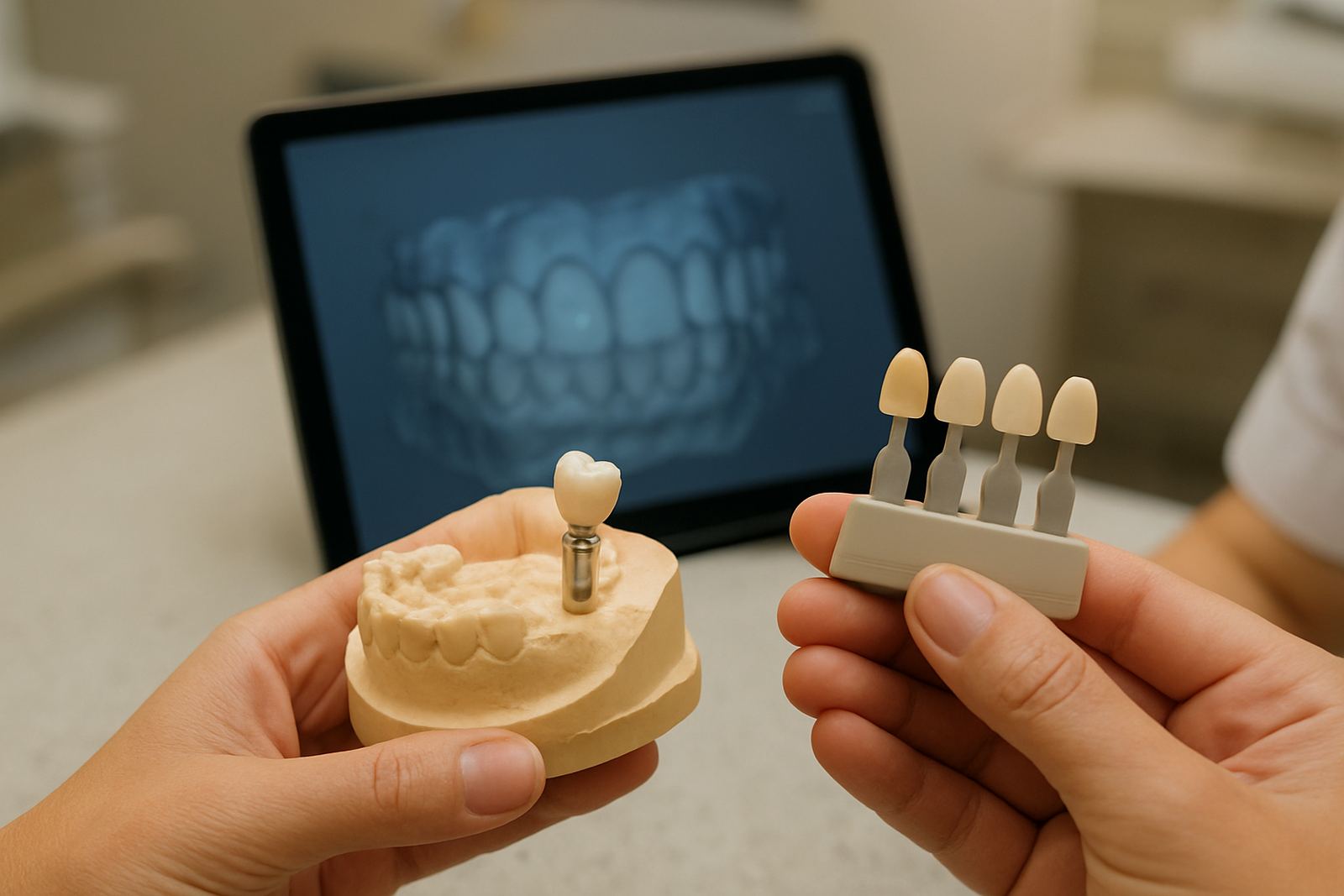
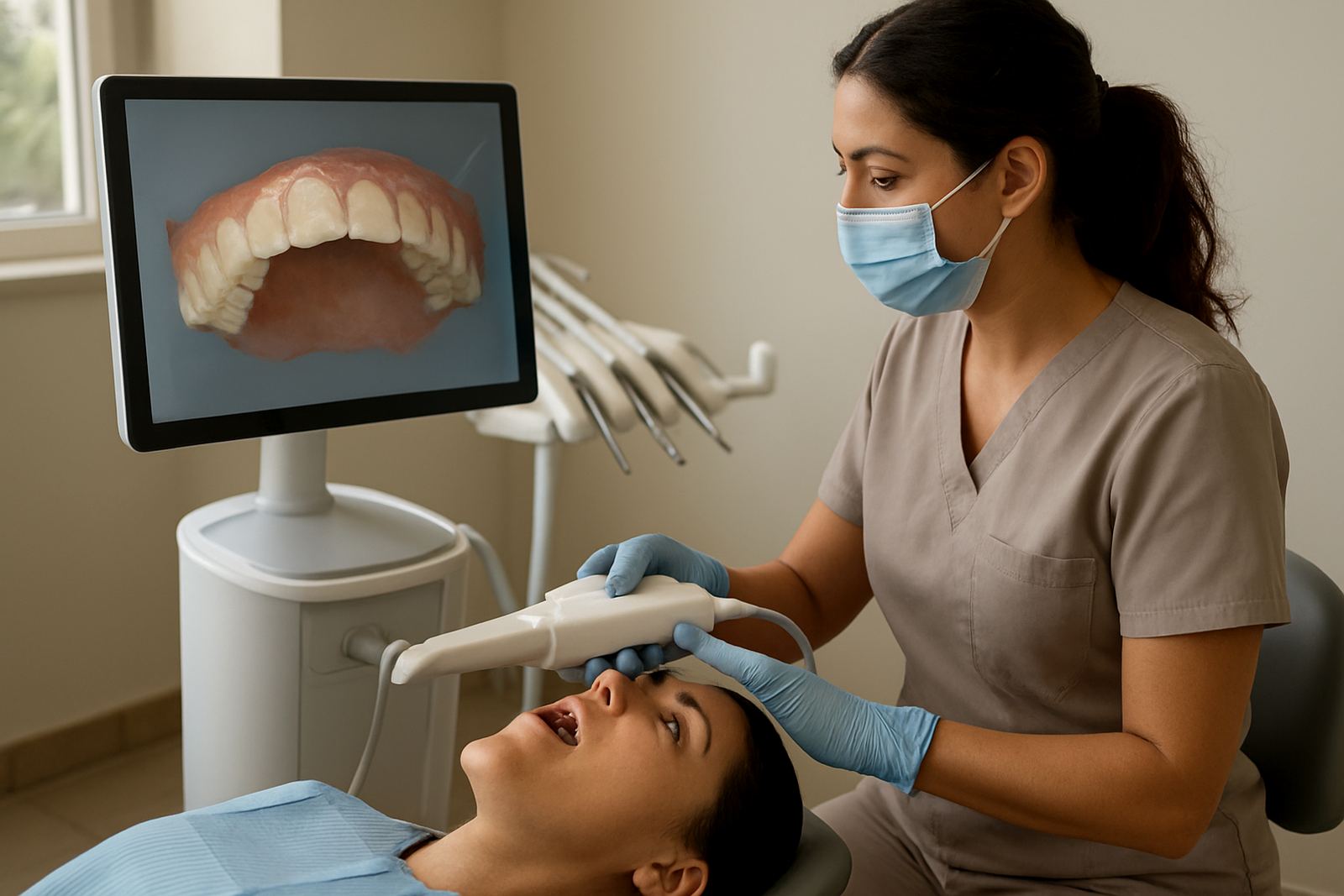
An intraoral scanner is a handheld device that captures a detailed 3D image of the mouth. Instead of biting into trays filled with impression material, the patient opens, breathes normally, and the clinician moves a small wand over the teeth and gums. The result is a digital model that can be used for crowns, bridges, veneers, aligners, implant planning and follow up records.
For many patients in Sandton, Bryanston, Rivonia, Morningside, Fourways and Rosebank, the main benefit is comfort. There is no gagging from impression trays and no need to wait for material to set. It also helps when time matters, because a scan can be checked immediately and repeated on the spot if an area needs more detail. That saves a return visit and keeps treatment moving.
Scan options, tip sizes and capture formats
Intraoral scanners are usually supplied as a handheld unit, a docking cradle, a connection cable and software for image capture. Some systems use smaller scan tips for tighter mouths or posterior access, while others offer standard and slim tips depending on the area being recorded. We look at the mouth, the patient and the type of work before choosing the setup.
- Standard tip for full arch scans and routine restorative cases
- Slim tip for limited opening, posterior access and younger patients
- Autoclavable or single use tips depending on the model
- Colour capture for clearer soft tissue and margin review
- Export options for STL, PLY or similar open files
For orthodontic work, a scan with full arch coverage and bite registration is usually enough. For implant cases, accuracy around margins and adjacent teeth matters more than speed. The right option depends on the job, not just the price.
Where intraoral scanning suits best
Digital scanning is useful across a wide range of treatments, especially where accuracy and repeatability matter. It is well suited to cosmetic consulting, implant planning, orthodontic assessments and aftercare follow ups. It also works well for family dentistry when a child or nervous adult cannot manage a traditional impression.
It is often chosen for:
- Crowns, inlays, onlays and bridges
- Veneers and smile design records
- Clear aligner planning and orthodontic monitoring
- Implant studies and surgical guides
- Night guards and bite appliances
In a busy Sandton practice, the scanner is useful because the record is stored digitally and can be shared with the lab without courier delays. That is handy during peak traffic or when a patient is travelling between offices in Johannesburg. It also helps when a crown margin needs a quick correction, because the scan can be reviewed before the patient leaves.
Installation, space and power requirements
Intraoral scanning does not need compressed gas or specialised plumbing. The usual requirement is a stable work area, a computer or workstation with enough processing power, and dependable electricity. Most systems run on standard 220 to 240V power, with a quality surge protector recommended because load shedding and voltage dips can interrupt a scan or damage electronics.
For a treatment room, allow space for the scanner handpiece, cable management, monitor and patient access on both sides of the chair. If the scanner is being moved between rooms, a trolley or secure charging point is useful. We also advise battery backup or an inverter solution for clinics that cannot afford downtime during afternoon outages. In practice, that keeps records moving when the grid is not co-operating.
Good internet is helpful for cloud sync or remote file transfer, but the scanner should still be able to work locally if the connection drops. That matters in some areas where connectivity can be patchy for a few minutes at a time.
Care, hygiene and servicing between patients
Cleaning is straightforward, but it must be done properly. The scan tip should be cleaned and sterilised or replaced according to the manufacturer's instructions, and the handpiece should be wiped down between patients with approved disinfectant. Cable strain should be avoided and the device must be stored dry, away from dust and direct sunlight.
To keep images consistent, the scanner should be calibrated as scheduled and checked for software updates. A scan that is slightly off at the start can lead to a poor fit later, so routine maintenance is worth the time. We also recommend checking cooling vents and connectors, especially in summer when Sandton clinics can run warm.
- Daily wipe down and visual inspection
- Tip sterilisation or replacement as required
- Regular calibration checks
- Software updates and backup of patient files
- Annual service review for wear, cables and optics
What to check before you order
Before placing an order, it helps to compare the scanner against the clinical work you do most often. A device suited to orthodontic monitoring may not be ideal for fine restorative margins, and a compact unit may not be the best choice for full arch implant planning. Ask for the scan speed, accuracy range, file formats and warranty terms in writing.
You should also confirm what comes in the box. Some systems include software and training, while others require separate licences or support contracts. Make sure the computer spec is listed too, because weak hardware can slow image processing. If the clinic is in a multi practitioner setup, check whether the licence covers more than one room or user.
At Techno-Dent Clinic, we look at patient comfort, scan consistency and aftercare support before recommending a setup. We also check how it will fit into your appointment flow, because a scanner that looks good on paper can still become a bottleneck if the team cannot recieve files and review them quickly.
Key facts
| Scan type | Handheld intraoral digital scanning |
|---|---|
| Typical capture range | Single tooth, quadrant or full arch |
| Accuracy | Designed for high detail restorative and orthodontic records |
| Output formats | STL, PLY and similar open digital files |
| Power | 220 to 240V AC, surge protection advised |
| Utilities | No gas supply required |