
What digital X-rays do in daily dental care
Digital X-rays are used to view teeth, roots, bone levels and surrounding structures that cannot be seen properly during a visual exam. For a practice in Sandton or nearby areas like Bryanston and Rivonia, this matters when a patient needs an emergency check, a new patient consultation, or a closer look before implant planning or orthodontic assessment.
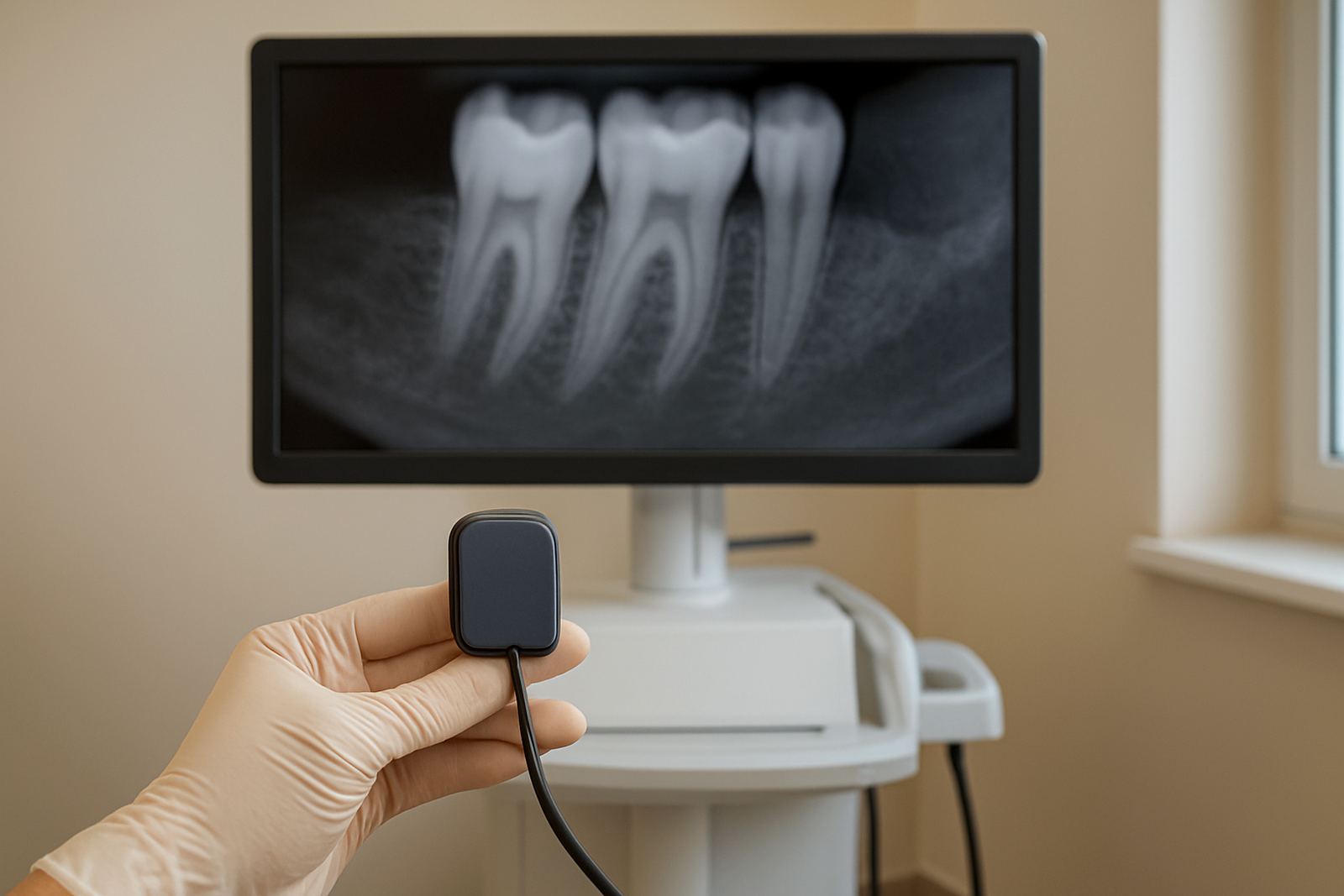
Compared with older film based methods, digital imaging gives immediate results on screen. That means the dentist can talk through findings while the patient is still in the chair, rather than waiting for processing. It also helps when a treatment plan must be explained clearly, whether the case is a cracked tooth, hidden decay, gum support concerns, or a bite issue that needs careful review.
- Useful for routine exams and follow up checks
- Supports cosmetic, implant and orthodontic planning
- Helps record changes over time with consistent image storage
- Can reduce repeat exposures when positioning is correct
Sizes, views and imaging options to consider
Digital X-rays are normally supplied in different sensor sizes and view types so the system can match the treatment being done. A small sensor is often easier for children and patients with a strong gag reflex, while a larger sensor may suit detailed views of back teeth or bite records. The right option depends on the chair side workflow, patient mix and the level of detail needed.
Some practices need only intra oral views, while others want both intra oral and extra oral imaging as part of a wider diagnostic set up. For practices handling implant planning or orthodontic cases, the image format should allow close measurement and easy comparison from one visit to the next. In a busy Johannesburg practice, the ability to move fast without losing image quality can make day to day work simpler.
- Sensor sizes commonly selected for adults and children
- Bitewing, periapical and occlusal style views where needed
- Optional higher detail settings for planning and record keeping
- Software that allows zooming, measurement and patient comparison
Where digital X-rays suit a Sandton practice
Digital X-rays suit general family dentistry, emergency visits, cosmetic consulting, implant planning and orthodontic assessments. They are a practical choice for a Sandton clinic that sees patients from Morningside, Fourways and Rosebank, where appointments often need to run on time and patients expect clear explanations before treatment starts.
For cosmetic dentistry, the images can help assess tooth position, root condition and underlying issues before treatment begins. For implant work, they support bone level checks and planning around spacing. For orthodontics, they help monitor developing teeth, roots and alignment changes. In a mixed practice, that versatility is important because one system can support several types of care instead of only one department.
- General exams and new patient records
- Emergency investigations for pain, swelling or trauma
- Cosmetic treatment planning and follow up images
- Implant and orthodontic case assessment
Installation, space and power points to plan for
When ordering digital X-rays, the practice should confirm where the sensor, processing unit and display will sit. A compact surgery in a Sandton office block may need a neat wall mounted or cart based arrangement, while a larger practice may prefer a fixed room layout. The goal is to keep the dentist and assistant moving without clutter around the chair.
Power supply should be checked carefully, especially in areas affected by load-shedding or unstable supply. The imaging unit itself normally runs on standard electrical power and may need backup support through a UPS or inverter system so patient records are not interrupted mid session. Network access is also important if images must be stored, shared or backed up between rooms.
There is no gas requirement for digital X-rays, but space should allow safe positioning of the imaging arm or sensor holder, plus easy cleaning between patients. In shared buildings, it is also sensible to confirm compliance with any building rules on electrical work, cabling and equipment mounting before installation starts.
Care, servicing and infection control between patients
Like any clinical equipment, digital X-rays need regular care to keep images clear and the unit working properly. Sensors should be handled gently, stored safely and checked for cable wear. Software updates, calibration and routine performance checks should be planned so the practice does not face downtime during a busy week.
Infection control is just as important. Sensor sleeves, barriers and chair side cleaning routines need to fit the practice workflow. Coastal humidity is not a major concern in Sandton itself, but dust, heat and heavy daily use can still affect connectors and storage if the equipment is not maintained properly. A simple servicing schedule helps protect image quality and reduces avoidable repairs.
- Clean and protect sensors after every patient
- Inspect cables, connectors and holders regularly
- Back up images securely and test recovery procedures
- Book routine servicing before faults interrupt clinic flow
What to check before you place an order
Before ordering, the practice should confirm the image quality needed, the number of chairs or rooms to be covered, and whether the system must link to existing record software. It also helps to check who will use the system daily, because assistants and dentists may need different screen views, storage access or shortcuts. Training matters as much as the hardware.
Ask about sensor size, image resolution, warranty, local support and replacement part availability. Check whether the unit suits adult and child patients, whether the software can measure distances accurately, and whether the system includes clear patient positioning aids. For a practice serving Sandton, Bryanston, Rivonia and nearby patients, after sales support should be available when you need it, not only during office hours.
- Sensor size and image resolution
- Room layout and mounting requirements
- Power backup needs for load-shedding
- Software compatibility and user training
- Service intervals and spare part support
Key facts
| Image type | Digital intra oral diagnostic images |
|---|---|
| Common sensor sizes | Size 1 and Size 2 options |
| Typical output | Immediate image display on screen |
| Power need | Standard electrical supply with backup recommended |
| Best use | General exams, cosmetic planning, implant and orthodontic assessment |
| Maintenance | Routine cleaning, calibration and servicing |